


Android
App availableGet MeshSat on Google Play. MeshSat Android sent and received satellite messages through MSC-2 unit 0001 on 24 October.
The MeshSat apps
Your phone gives you a place to write, follow message status and see predicted satellite passes. The satellite hardware stays in the node.
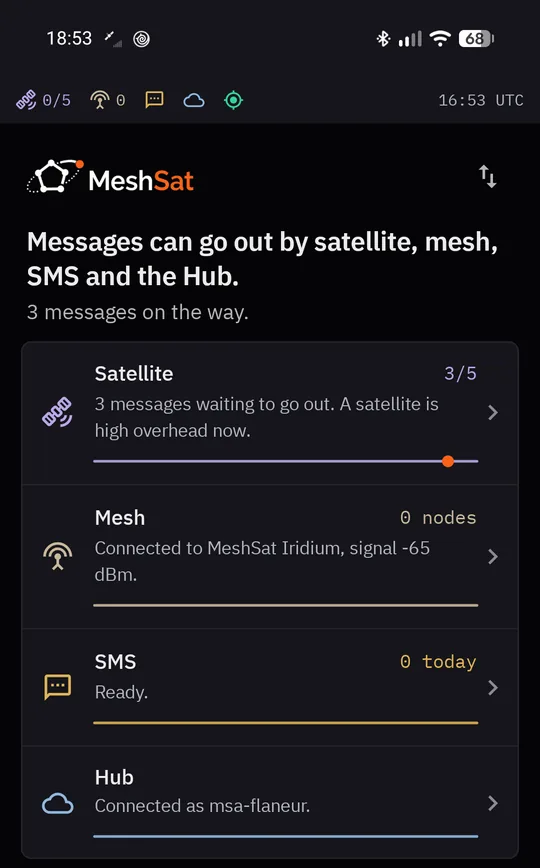
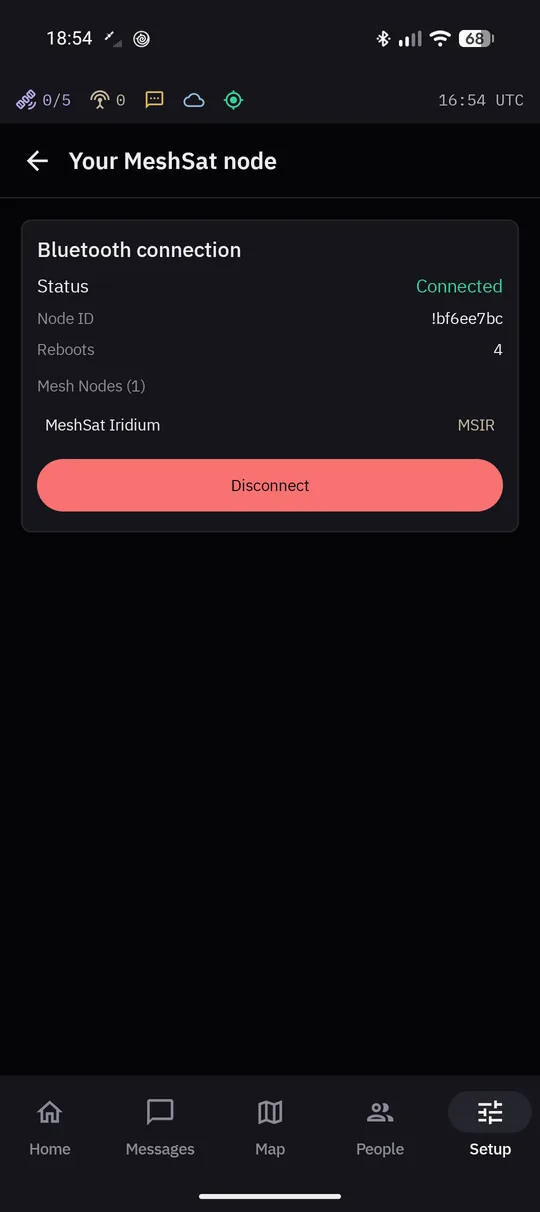
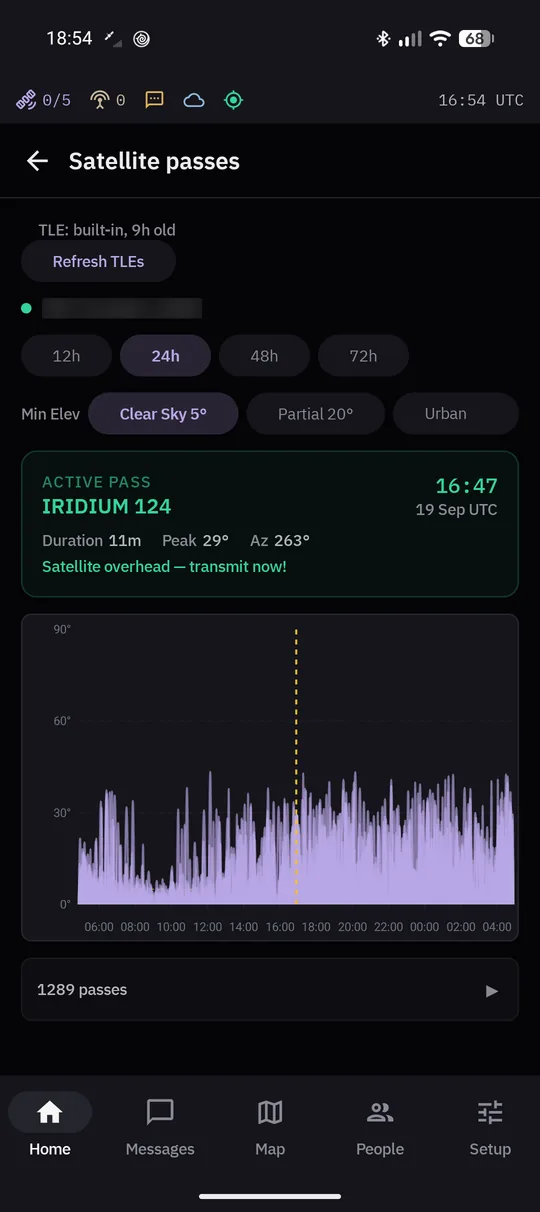
Actual Android documentation screens. Example readings from earlier development, not a live MSC-2 connection or an iOS screenshot.
Get MeshSat on Google Play. MeshSat Android sent and received satellite messages through MSC-2 unit 0001 on 24 October.
Get MeshSat on the App Store. Requires iOS 17 or later.
MSC-2 compatibility: unconfirmed. The documented iOS satellite tests use the earlier 9603 node.

Support checked 28 October 2026. The Google Play edition has no on-phone SMS feature. Hub forwarding to an SMS recipient is separate. Do not assume iOS continues relaying after the app leaves the foreground. See platform limits.
The whole MeshSat system in 17:13; MSC-2 appears in the hardware part. For MSC-2 evidence, see the test record. Nothing loads from YouTube until you press play.
AI assistant · replies in seconds
An automated assistant (AI), not a person. Please don't share passwords or payment details. Privacy
One quick check before your first message.
Prefer e-mail? hello@meshsat.net
This chat has ended.